How to Cancel Your Lunar+ Subscription
Step 1 – Log in to the store. Head to store.lunarclient.com and click Login at the top right, and Login with Microsoft.
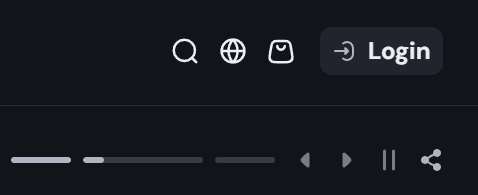
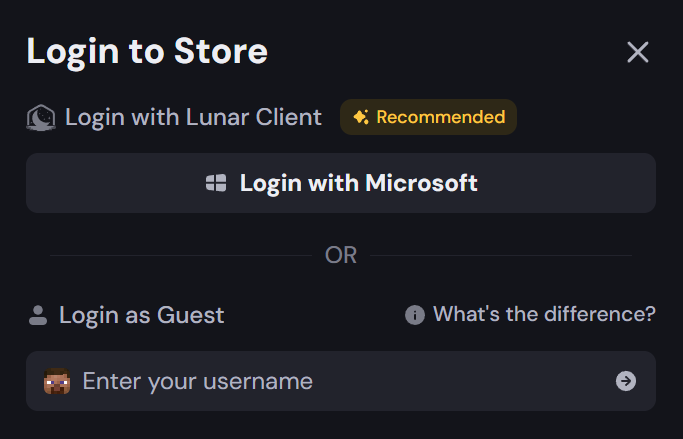
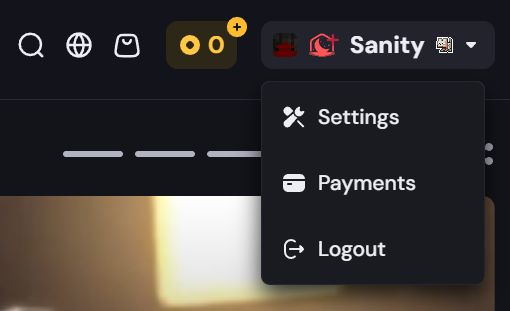
Step 2 – Open your account menu and go to Payments. Once logged in, confirm your username is correct in the top-right corner. Click your name/avatar to open the dropdown menu, then select Payments.
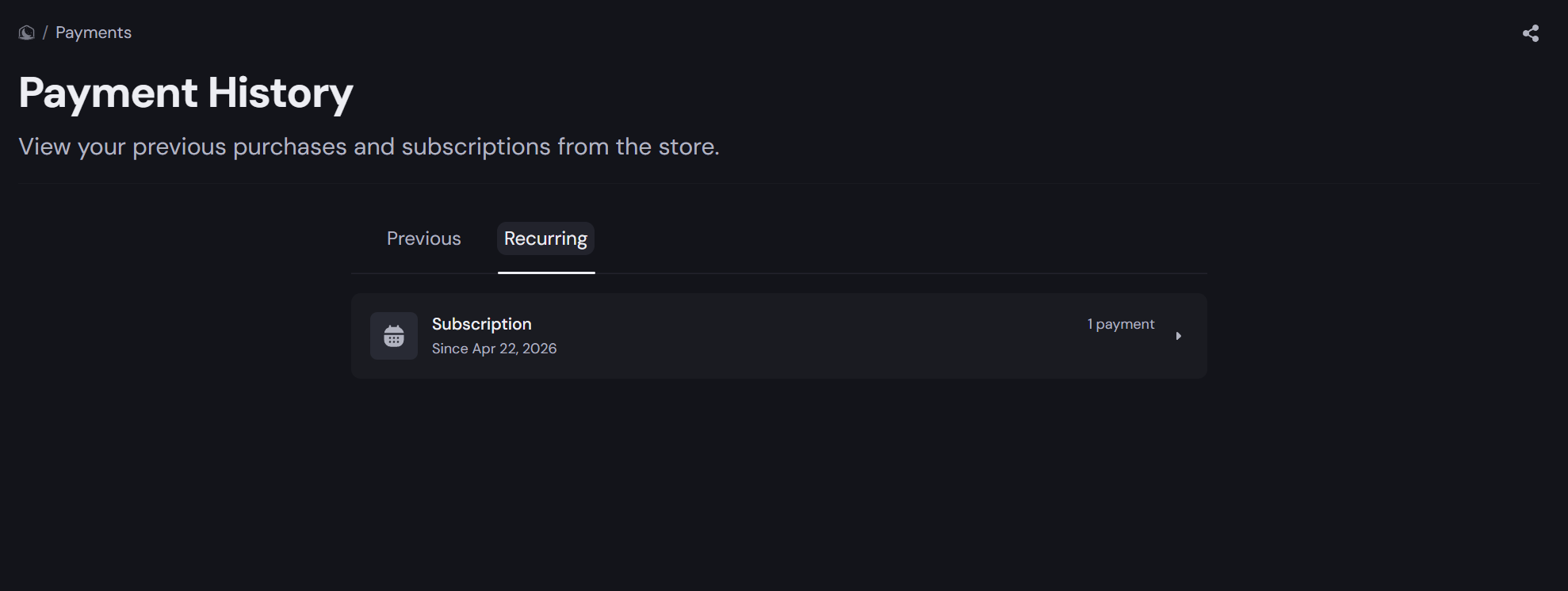
Step 3 – Open your recurring subscription. On the Payment History page, click the Recurring tab. You'll see your active Lunar+ subscription listed. Click on it to view the details.
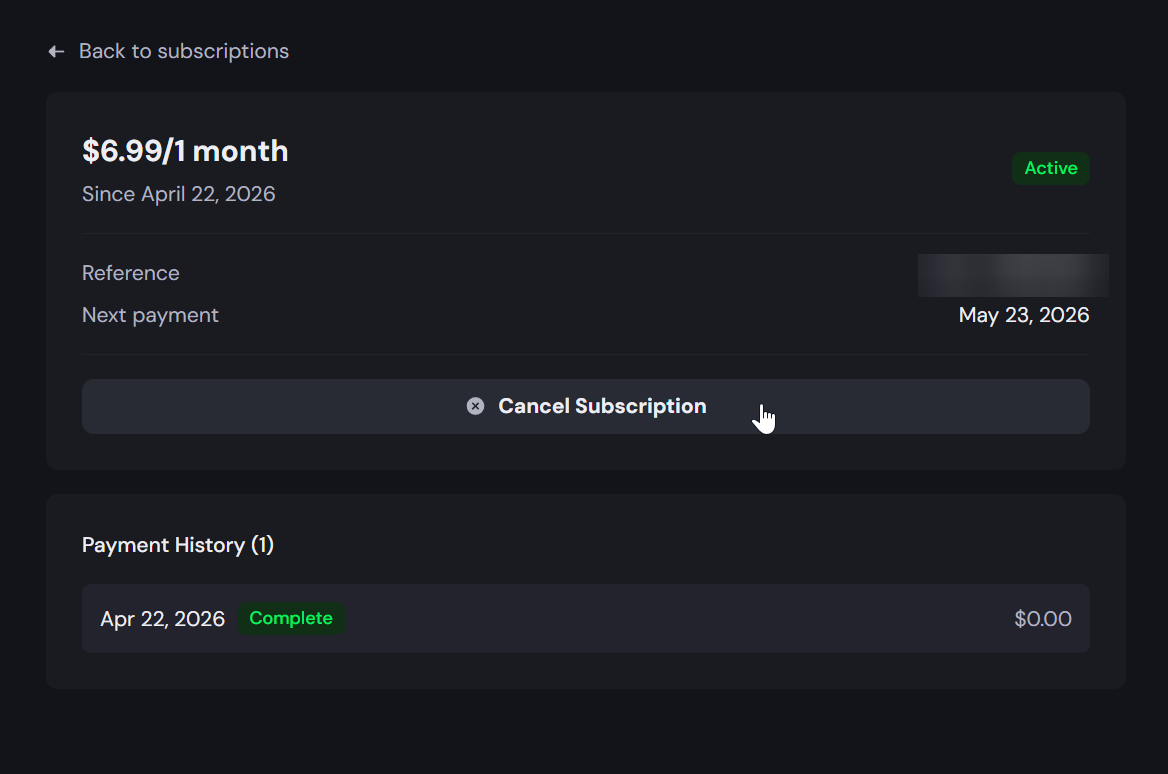
Step 4 – Cancel the subscription. On the subscription detail page, you'll see your billing amount, start date, and next payment date. Click the Cancel Subscription button to stop future charges.
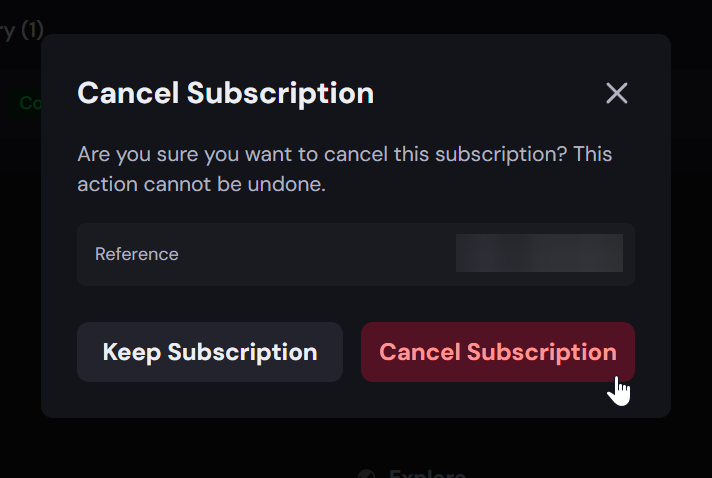
Step 5 – Confirm the cancellation. A confirmation pop-up will appear asking if you're sure you want to cancel. A confirmation pop-up will appear asking if you're sure you want to cancel. Verify the Transaction-ID is correct, then click the red Cancel Subscription button to confirm. If you've changed your mind, click Keep Subscription to go back.
Still having trouble?
Step 1: Head over to the Tebex website
- Please visit the Tebex website here: https://checkout.tebex.io/payment-history
Step 2: Canceling the subscription
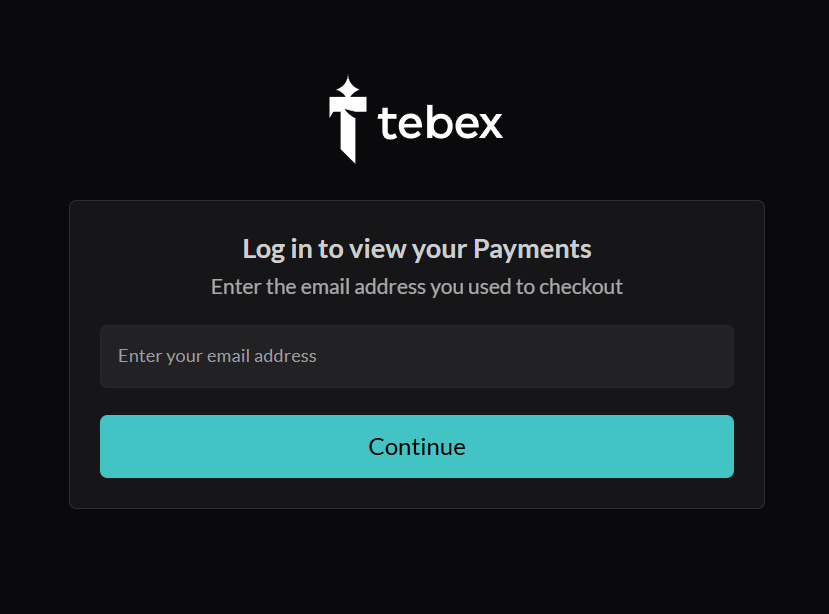
- Login with the email address you used to purchase your Lunar+ subscription.
- Click on your active subscription

- Click the Cancel Subscription button.
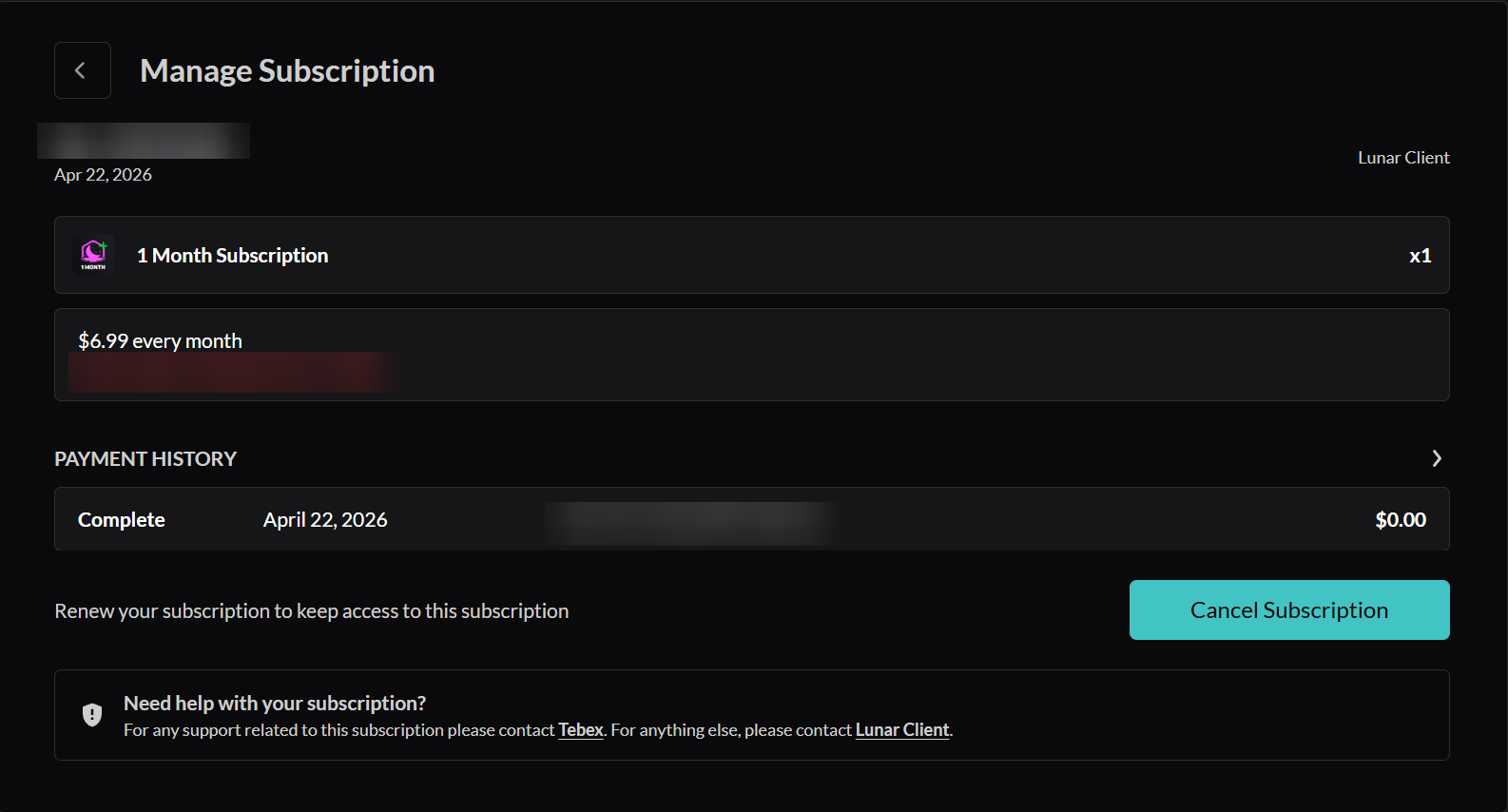
⚠️ Your Lunar+ perks remain active until the end of the current billing period — cancelling stops future renewals only.
Was this article helpful?
That’s Great!
Thank you for your feedback
Sorry! We couldn't be helpful
Thank you for your feedback
Feedback sent
We appreciate your effort and will try to fix the article