Only perform these steps when instructed by a Lunar Client staff member
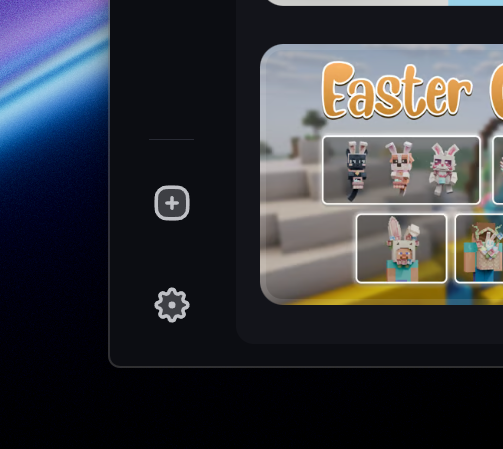
1. Open the Lunar Client launcher and navigate to the Settings page.
2. Locate the "Game Update Delivery" setting, under the "Game" section.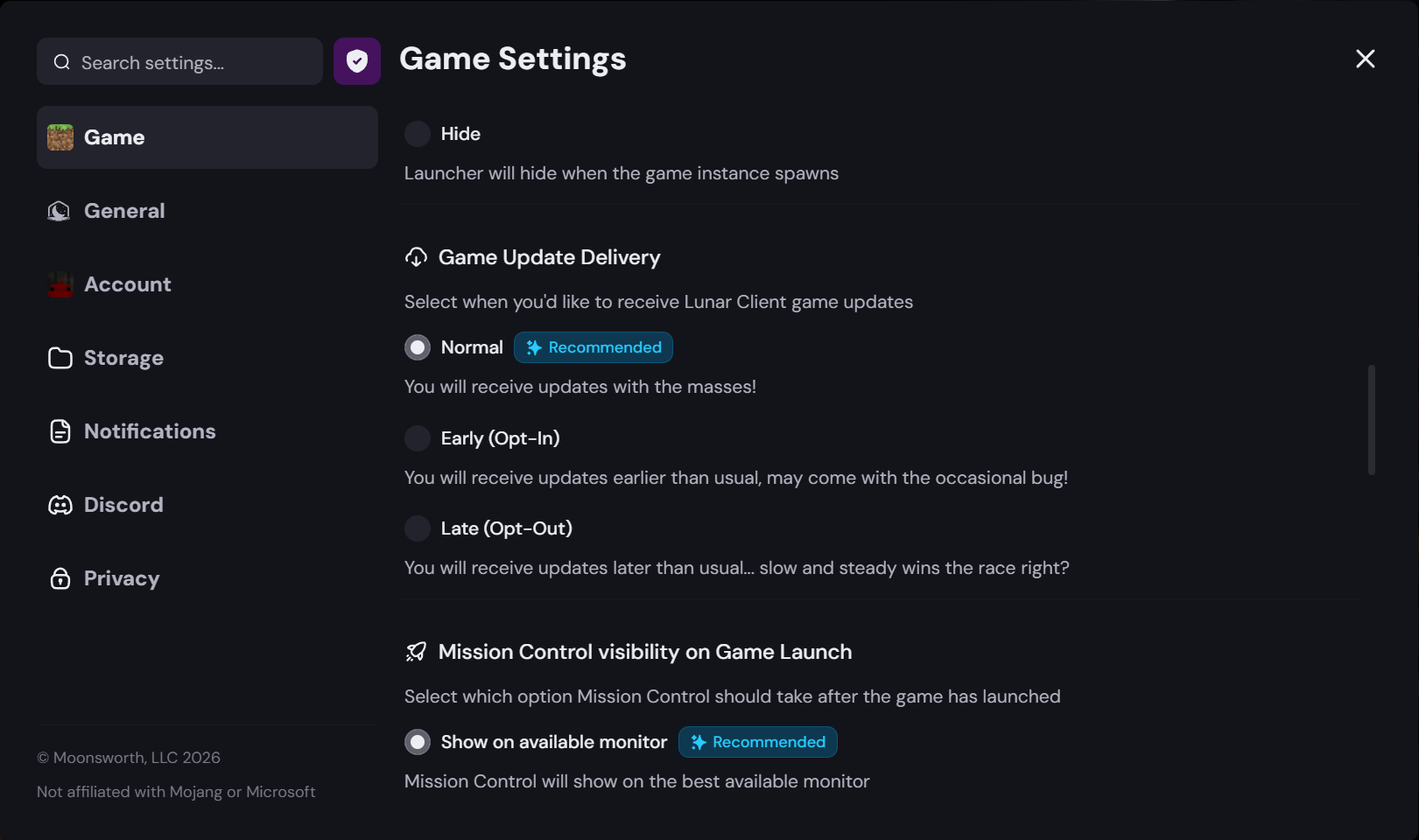
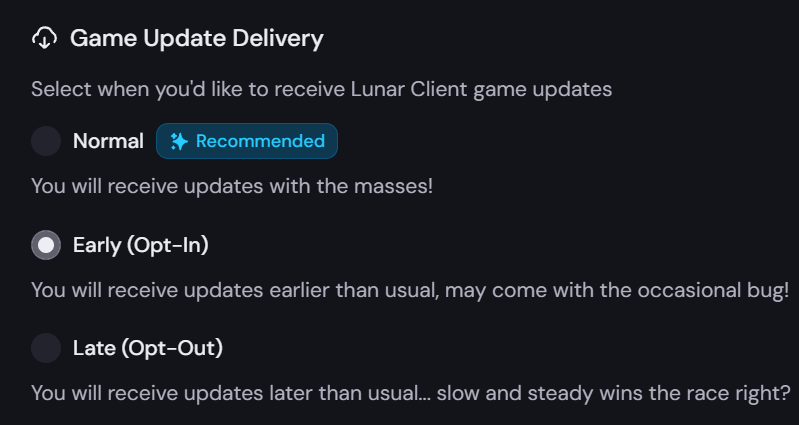
3. Select "Early (Opt-In)".
4. Exit the Settings page and launch the game as usual.
Was this article helpful?
That’s Great!
Thank you for your feedback
Sorry! We couldn't be helpful
Thank you for your feedback
Feedback sent
We appreciate your effort and will try to fix the article