Only perform these steps when instructed by a Lunar Client staff member
1. Open the Lunar Client launcher and navigate to the Settings page in the bottom left.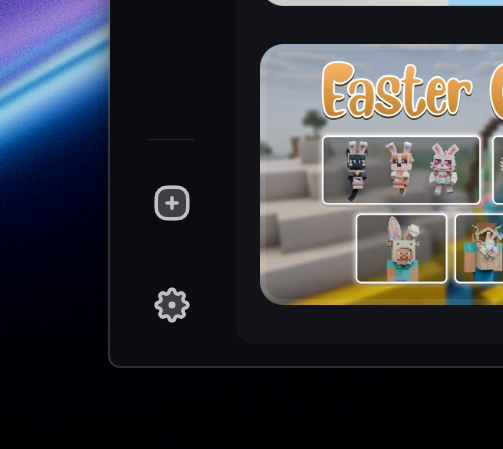
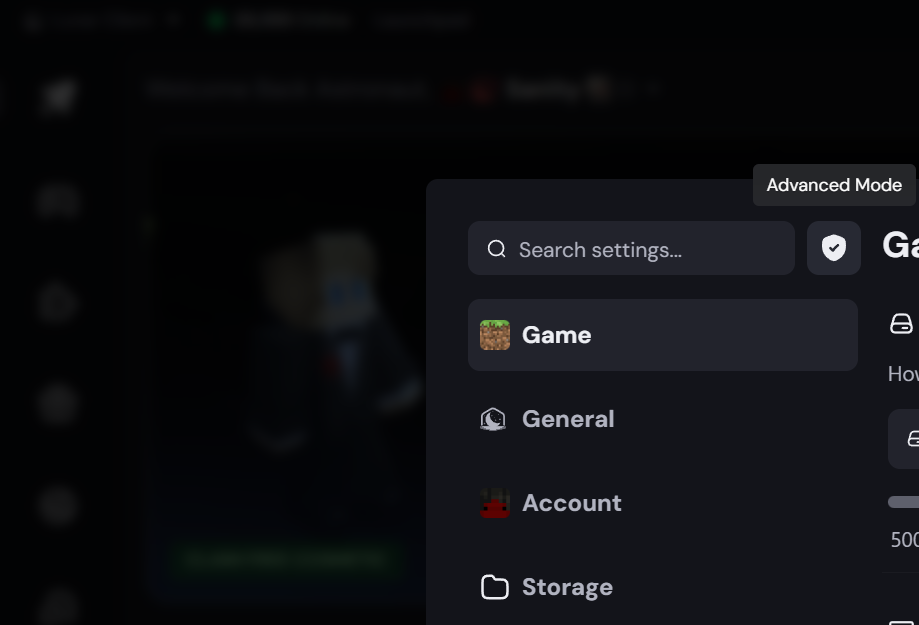
2. Click the shield icon to enable Advanced Mode, if it's not already enabled.
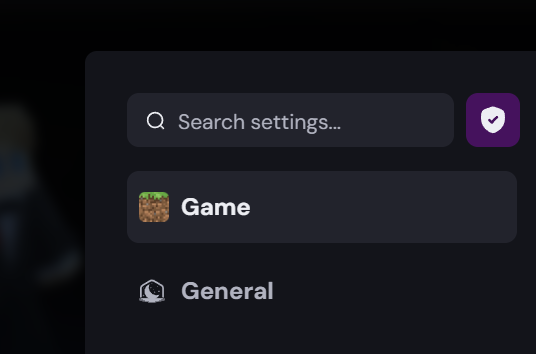
3. The indicator should now be purple, indicating Advanced Mode is enabled. You may now exit the Settings page.
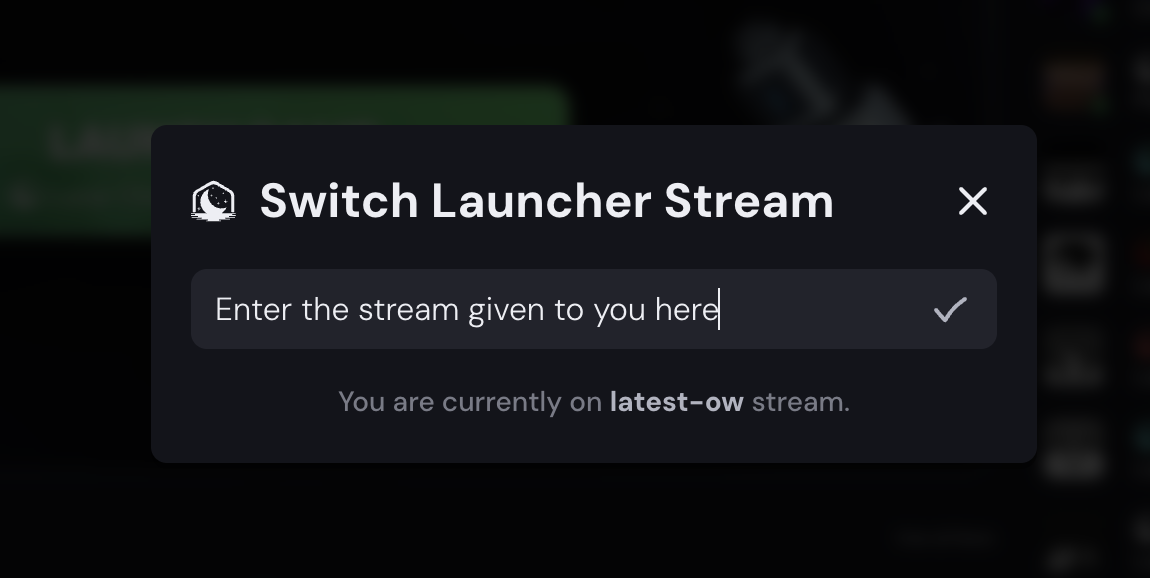
4. Expand the "Lunar Client" dropdown at the top left, and select "Switch Stream".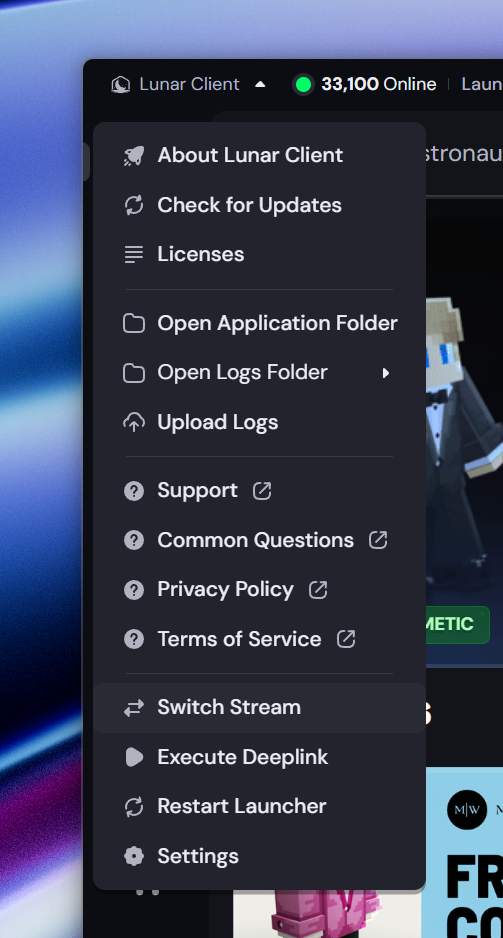
5. Enter the stream name provided to you by Lunar Client staff in the text box, and select the checkmark to save.
6. You should see a notification at the bottom right of your launcher confirming the stream change.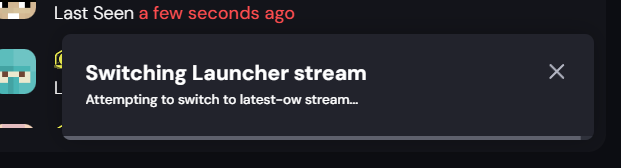
7. Your launcher should now update to a new version, which will help us solve or diagnose whatever issue you're facing.
Was this article helpful?
That’s Great!
Thank you for your feedback
Sorry! We couldn't be helpful
Thank you for your feedback
Feedback sent
We appreciate your effort and will try to fix the article