If the Lunar Client launcher gets stuck on the "Downloading Assets" stage or the "Downloading Textures" page despite being finished, follow the steps below.
Instructions
Step 1: Close the Lunar Client launcher
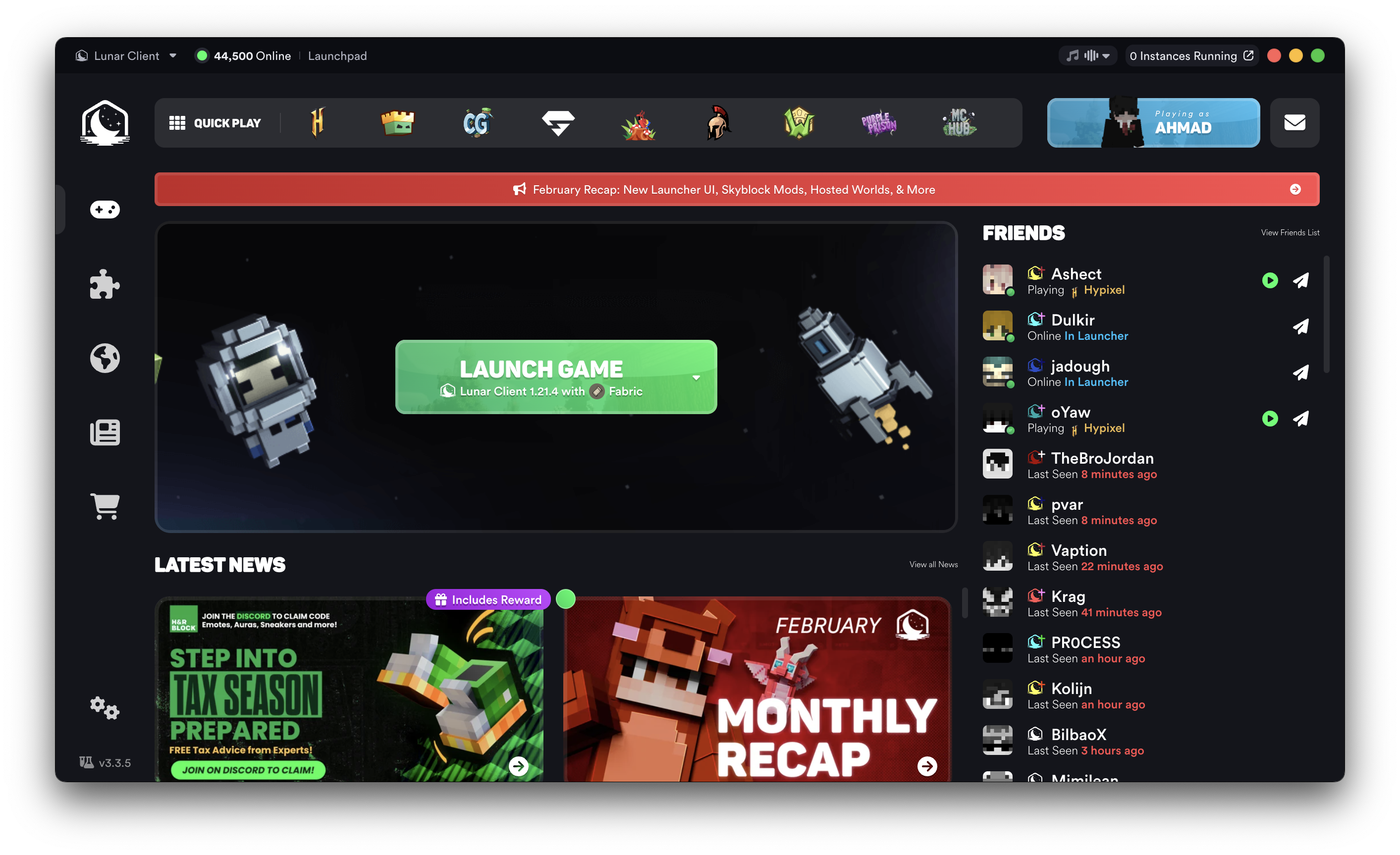
- Press the X button (red button if you're on macOS) at the top right of the launcher.
Step 2: Run the launcher as administrator
- Right click on the Lunar Client launcher shortcut.
- Press the "Run as administrator" button.

If the launching process gets stuck on another stage, please create a ticket.
Was this article helpful?
That’s Great!
Thank you for your feedback
Sorry! We couldn't be helpful
Thank you for your feedback
Feedback sent
We appreciate your effort and will try to fix the article